
Table of Contents
- Who Needs LiveScan Fingerprinting for Florida Licensing
- Fingerprinting Requirements by Licensing Agency
- How to Find and Verify Your Florida Licensing ORI number
- Florida Professional License Fingerprinting: Step-by-Step
- Florida Level 2 Background Screening Explained
- Florida Fingerprint Processing Time and Status Checks
- Rejected Prints, Resubmission, and Delays
- Out-of-State Applicants and LiveScan Alternatives
- Frequently Asked Questions
Last Updated: October 16, 2026
Who Needs LiveScan Fingerprinting for Florida Licensing
LiveScan fingerprinting is the electronic capture and transmission of your fingerprints to the Florida Department of Law Enforcement for a background check.
This guide from MacData covers who needs prints, which agency runs your check, how to find your ORI number, and what to do when prints get rejected.
Many applicants assume fingerprinting is the easy part. It is not, a wrong ORI number or missed screening purpose can stall a license for weeks.
Professions and License Types That Require Prints
Florida requires fingerprints for many licensed professions. Rule of thumb: if your license involves public safety, health care, education, or contact with vulnerable people, expect a fingerprint requirement.
Common license types that need prints include:
- Health care roles such as nurses, pharmacists, and therapists
- Contractors licensed through the Department of Business and Professional Regulation
- Teachers and school personnel
Some licenses require prints only at initial licensure; others require them again at renewal. Check your agency’s guidance before booking.
Fingerprinting Requirements by Licensing Agency
Each licensing agency sets its own fingerprint rules. No single statewide form covers every profession, and no single ORI number works across agencies.
The Florida Department of Law Enforcement (FDLE) runs the state’s fingerprint records system and maintains the list of approved LiveScan Service Providers. Your licensing agency decides your screening level, which provider type you may use, and where results get sent.
The agency that issues your license controls your fingerprint requirements, not the fingerprint vendor. Always start with your licensing board’s website before you book an appointment.
Agency-by-Agency Requirements at a Glance
The table below shows the pattern most applicants run into. Treat the ORI and fee columns as examples of what to look for on your agency’s instruction sheet, agencies update both without much notice.
| Licensing agency | Common applicant types | Screening level | Where the ORI comes from | Typical fee range (USD) |
|---|---|---|---|---|
| Department of Health (MQA) | Nurses, pharmacists, therapists, dentists | Level 2 | Listed in the application packet and on the board’s fingerprint page | About $40-$50 for the state and federal check, plus the vendor’s rolling fee |
| Department of Business and Professional Regulation (DBPR) | Contractors, real estate, mortgage, cosmetology | Level 2 for most regulated professions | Provided in the online application or the board’s instruction sheet | Similar state/federal fee plus vendor rolling fee |
| Department of Children and Families (DCF) | Child care, elder care, adult protective services | Level 2 | Assigned per provider or per program | Varies by program; some employers absorb the cost |
| Department of Education / school districts | Teachers, administrators, school staff | Level 2 | Issued by the district or the certification office | Often paid by the district for employees |
| Department of Agriculture and Consumer Services | Security officers, private investigators, some concealed-weapon roles | Level 2 | Listed on the division’s licensing page | State/federal fee plus vendor rolling fee |
| Department of Financial Services | Insurance agents and adjusters | Level 2 where required | Provided in the licensing checklist | Confirm with the division before booking |
Two things to notice: state and federal fingerprint fees are separate from the LiveScan vendor’s rolling fee, and some agencies bundle the fee into the application while others make you pay the vendor directly.
How to Verify Your Agency’s Specific Rules
A common mistake is copying instructions from a forum or old blog post. Rules change, and a wrong detail costs time and money.
Here is how we would verify your requirements:
- Go to your licensing agency’s official website
- Search the site for “fingerprint” or “background screening“
- Download the current instruction sheet or FAQ
- Note the exact ORI number and screening purpose listed
- Confirm which vendor or provider type the agency accepts
- Save a copy of the page in case you need to prove the requirement later
If the agency page is unclear, call the agency directly. Get the answer in writing if you can.
How to Verify Your ORI and Screening Purpose
The ORI is only half the routing information. The screening purpose code tells the state what kind of check to run, licensure, employment, volunteer, or something else. A correct ORI with the wrong purpose code still sends results to the wrong queue.
A simple verification workflow:
- Write down the ORI and purpose code exactly as they appear on the agency’s page.
- Read them back to the LiveScan technician before the capture starts.
- Confirm both appear on your receipt, alongside the transaction control number.
- If either is wrong, stop and fix it before the prints are transmitted.
If you cannot find the ORI, call the agency rather than guessing, guessing is how applicants end up paying twice.
How to Find and Verify Your Florida Licensing ORI number
Your ORI number is the key to routing your prints correctly. ORI stands for Originating Agency Identifier, and it tells the state where to send your results.
Every licensing agency has its own ORI. A nursing applicant and a contractor applicant use different numbers, even if printed at the same office on the same day.
Here is how to find yours:
- Check your license application packet, which usually lists the ORI
- Look on your agency’s fingerprint instruction page
- Ask the agency’s licensing specialist directly
Florida licensing ORI numbers are not interchangeable.
Submitting prints under the wrong ORI number is one of the most common causes of license delays. The results go to the wrong agency, and nobody tells you until you call to ask why your application is stuck.
Florida Professional License Fingerprinting: Step-by-Step
Florida professional license fingerprinting follows a set sequence. Skipping a step usually means repeating the process.
Total time: about 15 to 30 minutes at the appointment, plus processing time afterward.
What you’ll need: your ORI number, screening purpose code, government-issued photo ID, and payment method.
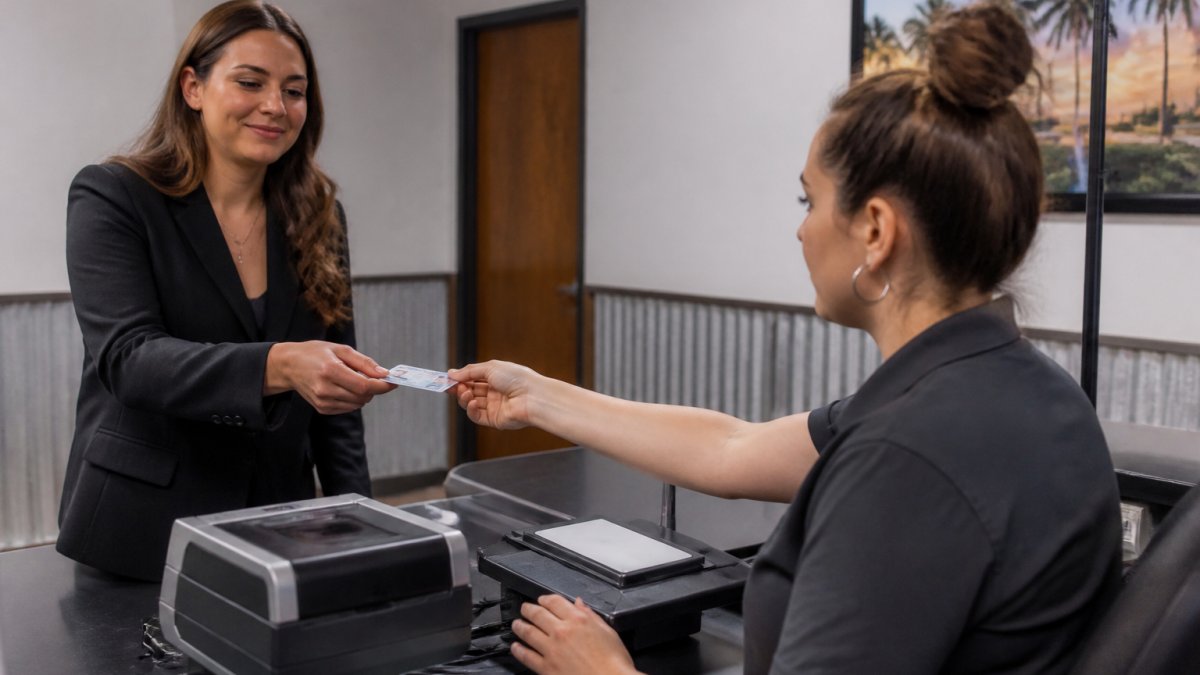
What to Bring to Your Appointment
Bring these items so you do not have to reschedule:
- Your government-issued photo ID, such as a driver license or passport
- Your ORI number and screening purpose code
- Your agency’s instruction sheet, printed or on your phone
The Steps
- Confirm your ORI and screening purpose with your licensing agency.
- Book an appointment with an approved LiveScan provider.
- Arrive with your ID and paperwork. Late arrivals often get turned away.
- Complete the electronic fingerprint capture. The technician scans each finger.
- Review the transaction control number on your receipt. Keep it.
- Confirm electronic transmission to the correct agency.
- Track your submission status until the agency confirms receipt.
The transaction control number is your proof of submission. Without it, resolving a problem later becomes much harder. MacData handles this step for local applicants and keeps the record on file, so you are not hunting for a receipt months later.
Florida Level 2 Background Screening Explained
Florida Level 2 background screening is a fingerprint-based check that searches state and federal criminal history records, going deeper than a name-only check.
A Level 2 screening typically includes:
- A search of Florida criminal history records through the FDLE
- A national search through the FBI
- A review of any disqualifying offenses under state law
Level 2 screening applies to many licensed professions, health care roles, and positions involving vulnerable people. Some agencies also require it for employment screening, not just licensure.
A name-based check can miss records when names are common or spelled differently.
Florida Fingerprint Processing Time and Status Checks
Florida fingerprint processing time varies by agency and submission method. Electronic submissions move faster than ink cards in almost every case.
Most electronic submissions clear the state check within a few business days. Federal checks can take longer, and some agencies add their own review time.
To check your status:
- Use the transaction control number from your receipt
- Contact the fingerprint provider to confirm transmission
- Contact your licensing agency to confirm receipt
If your license application seems stuck, call the agency before assuming the worst. Sometimes the prints arrived and the application is simply in a queue.
Rejected Prints, Resubmission, and Delays
Rejected fingerprints happen more often than applicants expect. Dry skin, worn ridges, moisture, and calluses from manual work all affect quality. The FDLE and FBI set minimum quality thresholds, and a print that looks fine to the eye can still fail the automated match.
Common Reasons Prints Get Rejected
- Poor ridge detail from dry, cracked, or damaged skin
- Smudges, lotion, or moisture during capture
- Incorrect ORI or screening purpose code
How to Tell a Rejection From a Slow Check
These are different problems that need different responses.
- A rejection means the prints failed quality control. You will usually be notified by the vendor, the agency, or both, and you will need to be reprinted.
- A slow check means the prints were accepted and are still being processed. Nothing is wrong; the queue is just long.
If your application is stalled, call the vendor to confirm the prints were transmitted, then the licensing agency to confirm receipt. Ask for a reference number if you escalate, and do not assume rejection just because time has passed.
The Resubmission Workflow
When prints are rejected, the fix is usually a reprint, not a new application. The general sequence:
- Get the rejection notice and note the reason if one is given.
- Contact the same LiveScan provider and explain that this is a reprint for a rejected submission.
- Bring the same ORI, purpose code, and ID you used the first time.
- Tell the technician about the prior rejection before the capture starts.
- Confirm the new transaction control number and keep the receipt.
- Follow up with the agency to confirm the new submission was received.
Some agencies cover one resubmission at no charge; some do not. Ask your agency and vendor before assuming either way. State and federal fingerprint fees may or may not be waived on a reprint, this varies by program, so confirm in writing if cost matters.
If your prints have been rejected before, tell the technician at the start of your appointment. They can adjust pressure, clean the platen, and re-scan fingers on the spot, which often prevents a second trip.
Why Delays Compound
A rejected print can add weeks to a license application, especially when waiting for a new appointment slot. The delay is rarely the reprint itself, it is the scheduling gap, re-transmission, and the agency’s review queue stacking up behind the first submission.
A few habits reduce the risk:
- Book your appointment early, with buffer time before any hard deadline.
- Keep your transaction control number somewhere you can find it months later.
- Check your application status periodically instead of waiting for a notice.
Delays are frustrating but usually fixable. Applicants who resolve them fastest can produce an ORI, a purpose code, and a transaction control number on demand.
Out-of-State Applicants and LiveScan Alternatives
Out-of-state applicants cannot always use Florida’s LiveScan system directly. LiveScan requires an in-state provider connected to the state’s network.
If you live outside Florida, your options usually include:
- Traveling to a Florida LiveScan location before your application deadline
- Using an FDLE-approved out-of-state or mail-in fingerprint card process, if your agency allows it
- Contacting your licensing agency for its specific out-of-state procedure
Not every agency accepts ink cards or out-of-state vendors; some require an in-state LiveScan submission with no exceptions. Confirm before booking travel.
For applicants in the Daytona Beach area, MacData offers digital fingerprinting with fast, secure reporting and a simple system that keeps your submission record in one place.
Frequently Asked Questions
What is a Level 2 fingerprint background check in Florida?
A Florida Level 2 background screening is a fingerprint-based state and FBI criminal history check required for certain professional licenses, healthcare jobs, and state employment. Your prints are submitted electronically through a LiveScan device to the Florida Department of Law Enforcement, which forwards them to the FBI. The results go directly to your licensing agency, not to you. Level 2 screening is more thorough than a Level 1 check, which relies on name-based searches only.
How do I submit LiveScan fingerprints for a Florida professional license?
First, confirm the exact ORI number and screening purpose your licensing agency requires. Then locate an FDLE-approved LiveScan provider and bring your government-issued photo ID to the appointment. The technician captures your prints electronically and transmits them to the agency under the correct ORI. You receive a receipt with a transaction control number for tracking. Some agencies require prints before or after your application, so check the order your specific board requires.
How long does it take for Florida licensing fingerprints to be processed?
Most electronic submissions return results within 24 to 72 hours, though the Florida Department of Law Enforcement notes that processing can take longer during high-volume periods. If your prints are flagged for manual review or rejected for quality, add several days for resubmission. Your licensing agency controls the final timeline, so processing time is not the same as license approval time. Keep your transaction control number to check status if delays occur.
What should I do if my Florida licensing fingerprint submission is rejected?
A rejection usually means the prints were not clear enough for analysis, not that you have a criminal record. You will typically be notified by the LiveScan provider or your agency and asked to return for a new capture. There is usually no additional state fee for a quality-based resubmission, but the provider may charge a small service fee. Bring moisturizer-free hands, avoid lotions before your appointment, and hydrate to improve print quality on the retry.
Getting a license application derailed by a fingerprint problem is frustrating, and it is almost always avoidable with the right ORI number and a provider who knows the process. MacData handles LiveScan fingerprinting, pre-employment checks, and tenant screening under one easy-to-use system, with FCRA-compliant reporting and rapid turnaround times. Book your appointment with MacData and get your prints submitted correctly the first time.